Overview
Complexity: Low
Time Required: Moderate
The most straightforward way to convert your Non-VBV credit card into Bitcoin which is known as Bitcoin Carding is now available. The sole challenge is getting past account verification, which requires identity documents. Once verification is complete, you can withdraw funds up to your daily maximum without issues.
Prerequisites For Bitcoin Carding
To follow this guide, you must be an active user of WET DESERT and have bought at least one card from their platform to gain access to the Coinbase verification tool. New users should visit the DARKWEBCC website, register, purchase a card for this method, then proceed to the verification panel. This access is the critical component for success.

BITCOIN CARDING
What You’ll Need For A Successful Bitcoin Carding
- The Method – your key resource for this process
- Non-VBV CC with Fullz – WET DESERT is currently the only trustworthy source (see Step 1 for purchasing)
- Proxy/VPN/RDP – masks your digital location during the process
- Virtual Machine – Windows VM running on your computer
- Coinbase Verifier – THE WET DESERT verification panel for Coinbase accounts
- Phone Number – needed for two-factor authentication setup
Also Read; Can a Closed PayPal Account Be Reopened or Is It Permanently Closed?
For smooth verification, activate using Fullz data. The benefit is that Fullz includes SSN and date of birth, completing half the verification automatically. The remaining documents and selfie are handled by THE WET DESERT Coinbase Verification Panel.
Website: https://www.coinbase.com
Step-by-Step Process For Bitcoin Carding
Step 1: Register and Purchase Fullz from WET DESERT
Visit the wet desert and create an account using your email and password. Use this direct link to avoid fraudulent copies: THE WET DESERT. Many imitation sites exist, so only use the provided link or type the URL manually—never search for it. Registration is free, but fund your account within 24 hours to prevent suspension.
Browse your target country and select GoldCards for optimal results. This example uses US-based cards. Choose a card with complete information and Non-VBV status, ensuring all data fields are included as shown. All cards are active, and a balance checker is available to confirm your card can cover the transaction amount.
Step 2: Configure Proxy or VPN
Choose wisely, as this significantly affects your success rate. VPNs work well for this method since you’re registering with authentic documents from CARDING SHOP—whether you use proxy or VPN makes little difference.
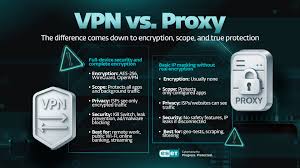
SAFE VPN
Most VPNs suffice if they score 80% or higher on IP checks. Test your existing VPN at whoer.net. If you need one, ExpressVPN and HMA VPN are recommended options.
Match your location to your Fullz information, aligning state and city when possible.
Step 3: Create Coinbase Account
Navigate to coinbase.com/signup and register using your Fullz details. The form requires name and state—ensure names match your Fullz exactly, as changing them later is difficult.
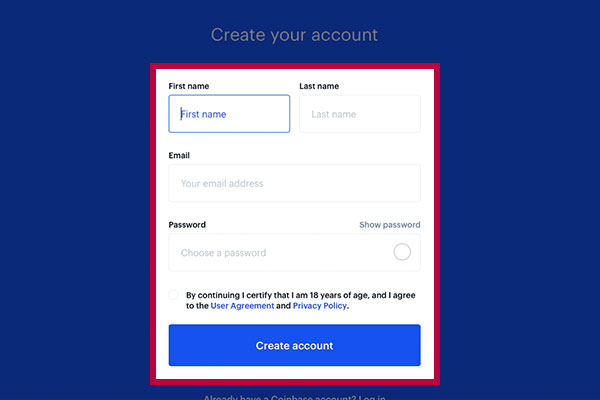
CREATE ACCOUNT
The state field auto-populates based on your IP location, so verify your VPN/proxy matches the cardholder’s state. You can manually adjust the state if needed.
Check your email for the verification link and confirm your account. ProtonMail is recommended if your primary email is already in use.
Step 4: Enable Two-Factor Authentication
Before finishing registration, you’ll be prompted to add a phone number for 2FA. Complete this step by entering the verification code you receive. This step should now be finished.
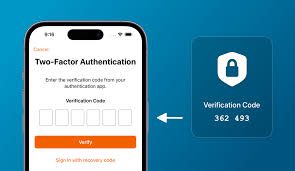
Two-Factor Authentication
Step 5: Enter Fullz Information
Ensure you purchased Fullz (complete with address, DOB, and SSN) rather than just a basic card. This step cannot be completed without these details, and accuracy is essential to avoid errors.
BUY FULLZ FROM VERIFIED CARDING SHOP
Step 6: Access Your Dashboard
Registration is now complete, and you should see your new dashboard. While active, the account has limited functionality. Currently, only email and phone verification are complete—payment methods and crypto purchasing remain unavailable until identity verification is finished.
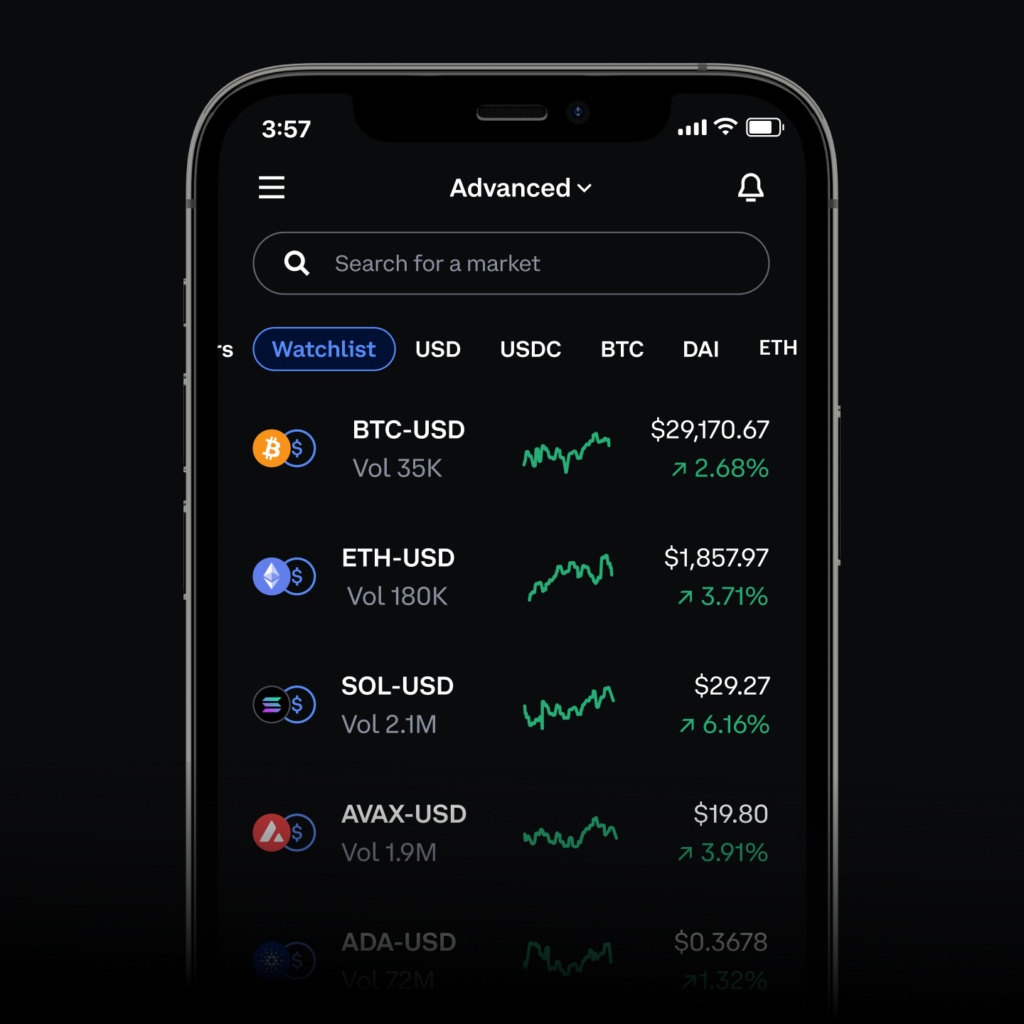
Select “Verify Your ID” at the bottom of the screen to proceed using THE WET DESERT
Step 7: Payment Method Restrictions
Attempting to add a credit card or bank account before verification will trigger an error message about regulatory requirements for identity documents. This is why US Fullz was selected—ID and driver’s license templates for all states are available through CARDING SHOP. The verification tool generates scans within minutes since templates exist for every state; you simply need to provide personal details (DOB, name, address, etc.).
Verification requires a driver’s license or state ID, plus facial recognition for liveness detection.
This Article is Interesting: 2026 Upgraded Gift Card Carding Method
Step 8: Access DarkWebCC Verification
You’re now one step away from Bitcoin withdrawal. You should have both a Coinbase account and US Fullz from THE WET DESERT—remember, Fullz means complete personal information including DOB, address, SSN, and phone number, which the verification bot needs to generate documents.
You must be logged in with an active purchase history to access this page. New users should complete a card purchase first.
Step 9: Complete Verification
Eligible users (those who’ve purchased Fullz) will see an account verifier button. Click it and select Coinbase as your target platform. Next, link your Coinbase account to the bot by clicking “Link Account” and entering your credentials—remain connected through your original proxy/VPN. A form will appear for cardholder information, which the bot uses to generate identification documents.
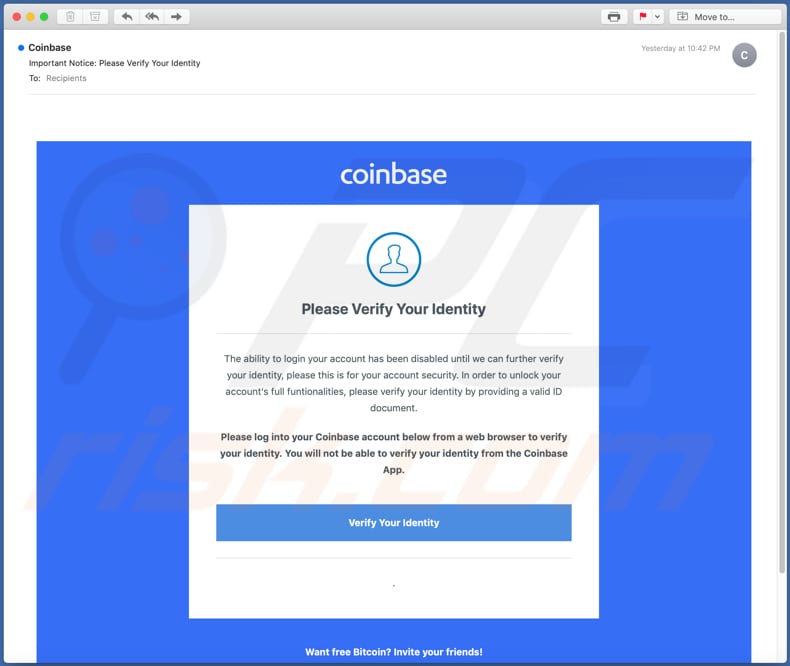
The critical fields are:
- First and Last Name
- Date of Birth
- State and City
- Gender
- Ethnicity
Ensure this information matches your Coinbase account exactly. The ID image is auto-generated from online databases based on gender and ethnicity to ensure consistency. After completing the form, click “Done” then “Verify.” Wait approximately 30 seconds—instant generation occurs since templates exist for all states, provided your information is accurate.
The bot completes verification within a minute, then logs out and provides a download button for the generated IDs for future use. At this stage, Coinbase is processing your documents, and the bot will display a confirmation message. You can now return to Coinbase or check your email for confirmation.
Step 10: Verification Confirmation
After downloading your IDs, log back into Coinbase and check your dashboard for ID verification status. If you check too quickly and verification hasn’t processed yet, you’ll see a notification to wait. This is positive—simply allow a few minutes and refresh. After approximately 5 minutes, your dashboard should display “ID Verified.”
Step 11: Add Payment Method
The difficult portion is complete. Navigate to payment options and add your credit card. Bank accounts can also be added if you’re working with bank logs. Enter your Non-VBV CC from THE WET DESERT, then check your dashboard.
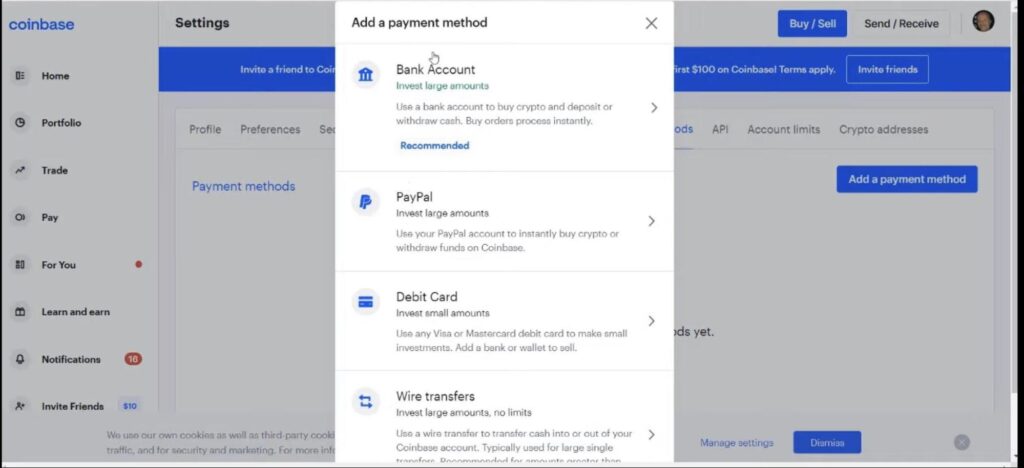
Your payment method should now show a green checkmark, confirming your active card is ready for Bitcoin purchases. With a $3,000 card balance, you can withdraw approximately $1,000 in Bitcoin. If your balance is unknown, return to THE WET DESERT and use their balance checker.
Step 12: Purchase Bitcoin
Based on your available balance, purchase Bitcoin not exceeding 50% of your card’s limit. With $3,000 available, aim for approximately $1,000 in Bitcoin. Even if the card is eventually charged back and your Coinbase account restricted, you’ll retain the $1,000.
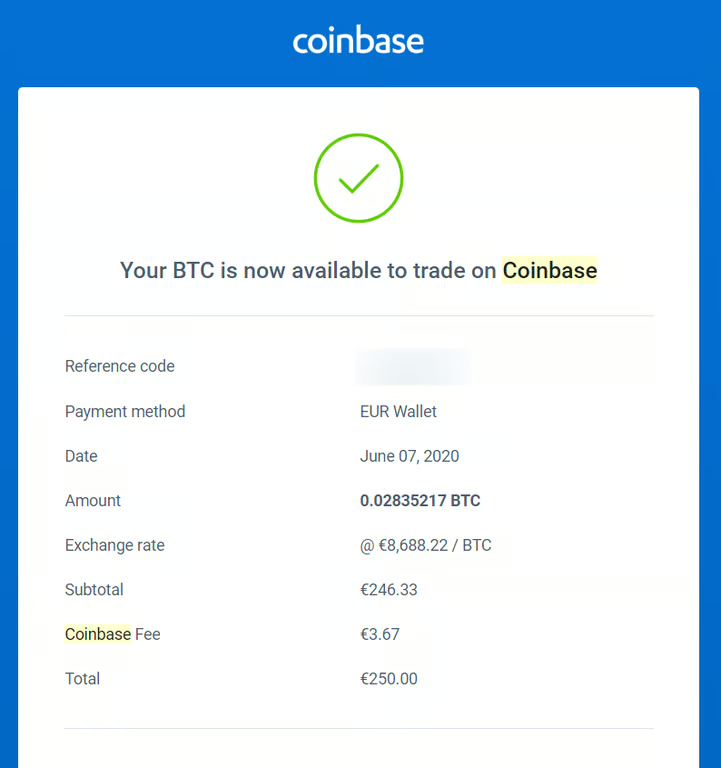
With a Non-VBV card, no 3D Secure verification is required, and your portfolio will reflect the purchase.
Step 13: Final Dashboard Review
All verification steps are now complete. Your dashboard should show:
- Email and phone verified
- Payment method added
- Crypto purchased and withdrawn
Important: Never store cryptocurrency on Coinbase. Transfer immediately to Blockchain or any wallet where you control the seed phrase or private key.
Once your crypto is secured in an external wallet, you can repeat this process using your remaining card balance until the card is exhausted.
For questions, send a private message.
Frequently Asked Questions
Q: How long does the entire process take from start to finish?
A: Account creation and verification typically takes 15-30 minutes if you have all materials ready. The verification itself processes in under a minute through the WET DESERT panel, though Coinbase may take 5-10 minutes to update your status internally.
Q: What happens if my card gets declined during the Bitcoin purchase?
A: Declines usually occur for three reasons: insufficient balance (always check first), the card requiring 3D Secure verification (ensure you’re using Non-VBV), or Coinbase flagging the transaction as suspicious. If declined, wait 24 hours before retrying or switch to a different card.
Q: Can I reuse the same Coinbase account multiple times?
A: Technically yes, but it’s not recommended. Adding multiple cards to one account raises suspicion and increases limitation risk. Creating fresh accounts for each card keeps your operation cleaner and reduces the chance of losing access to funds.
Q: Do I absolutely need the THE WET DESERT verification panel, or can I verify manually?
A: Manual verification requires physical documents and sophisticated image editing skills that most users lack. WET DESERT panel automates document generation and submission, making the process accessible. Without it, success rates drop significantly.
Q: Which countries work best for this method?
A: United States Fullz work most reliably due to comprehensive document template availability and higher verification success rates. UK, Canada, and select EU countries can function but often require additional steps or have lower limits.
Q: How much Bitcoin should I buy per card?
A: Never exceed 50-70% of the available balance. Purchasing the maximum amount triggers automated fraud detection. Leaving balance on the card appears more natural and reduces immediate flags.
Q: What if Coinbase asks for additional verification after I’ve already verified?
A: Occasionally, large purchases trigger secondary review. If this happens, the account is likely lost—attempting additional verification usually fails. This is why immediate withdrawal to an external wallet is critical; never leave funds sitting in the exchange.
Q: Can I use this method with bank logs instead of credit cards?
A: Yes, the process is similar. Add the bank account as a payment method instead of a card, though bank verification may take 24 Hours rather than being instant. Bank logs often allow higher withdrawal limits but carry different risk profiles.
Q: Is a Virtual Machine absolutely necessary?
A: While not strictly mandatory, VMs provide crucial isolation. If your system is compromised or flagged, you can simply delete the VM and create a fresh one. This protects your main operating environment and maintains operational consistency.
Q: What should I do if the verification panel shows an error?
A: Double-check that your Fullz information matches exactly between your Coinbase account and the panel input. Even minor discrepancies in name spelling, dates, or addresses cause failures. If issues persist, contact THE DARK WEB support with your account details.
Q: How do I avoid getting scammed when buying cards?
A: Only purchase through the official CARDING SHOP website using the direct link provided. Never search for the site through Google or follow referral links from forums—these often lead to phishing copies. Verify the URL carefully before entering credentials or sending funds.
Conclusion
This Coinbase method remains one of the most reliable pathways for converting Non-VBV cards into cryptocurrency in 2026. While the verification step requires some patience and the right resources, the process becomes straightforward once you understand the workflow. The key to success lies in using quality Fullz from trusted sources, maintaining proper operational security through proxies or VPNs, and following each verification step carefully without rushing.
Remember that cryptocurrency markets fluctuate, so timing your cashout can maximize your returns. Always prioritize moving funds off-platform immediately—exchanges can limit or freeze accounts without warning, but assets in your personal wallet remain under your control. Stay updated on verification requirements, as platforms continuously adjust their security measures. With the right preparation and attention to detail, this method can deliver consistent results for those serious about mastering the process.